本页目录

最新版本已内置该功能,此教程仅供参考。
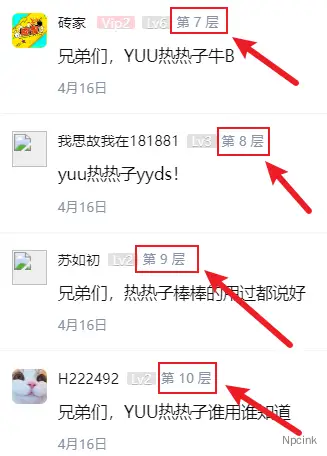
显示楼层后,可安排各类盖楼活动,如下:

- 演示网站:https://dongbd.com/
- 演示 APP:下载页
提示:
代码由春哥提供,Npcink 在次仅做整理。
教程用文件可在此下载:
要求
- 主题版本:3.5.6
- APP 插件版本:1.1.6
APP 圈子显示楼层教程
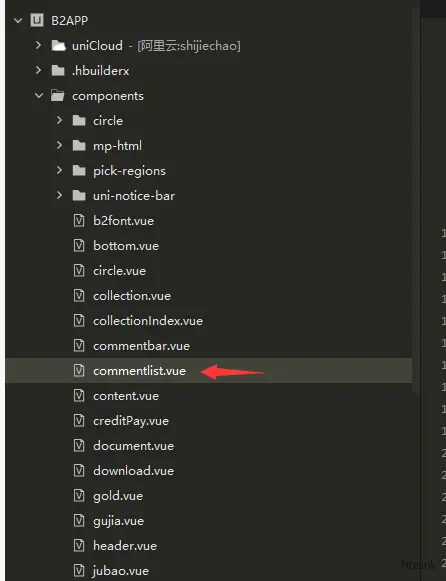
第一步:替换 APP 的 commentlist.vue 文件
文件地址:B2APPcomponents
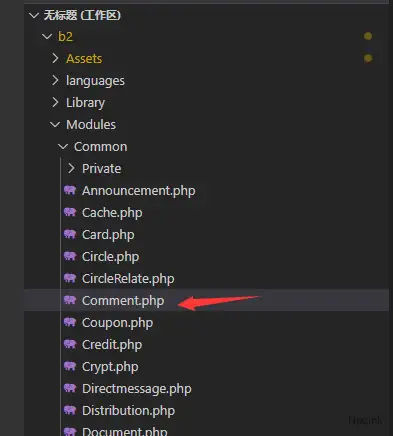
第二步:替换主题的 Comment.php 文件
文件位置:b2/Modules/Common/
第三步:在主题的 functions.php 底部添加代码
function b2_remove_kh($str,$sanitize = false){ if($sanitize){ $str = sanitize_text_field($str); }
$str = apply_filters('b2_remove_kh', str_replace(array('{{','}}'),'',wp_unslash($str))); return $str;}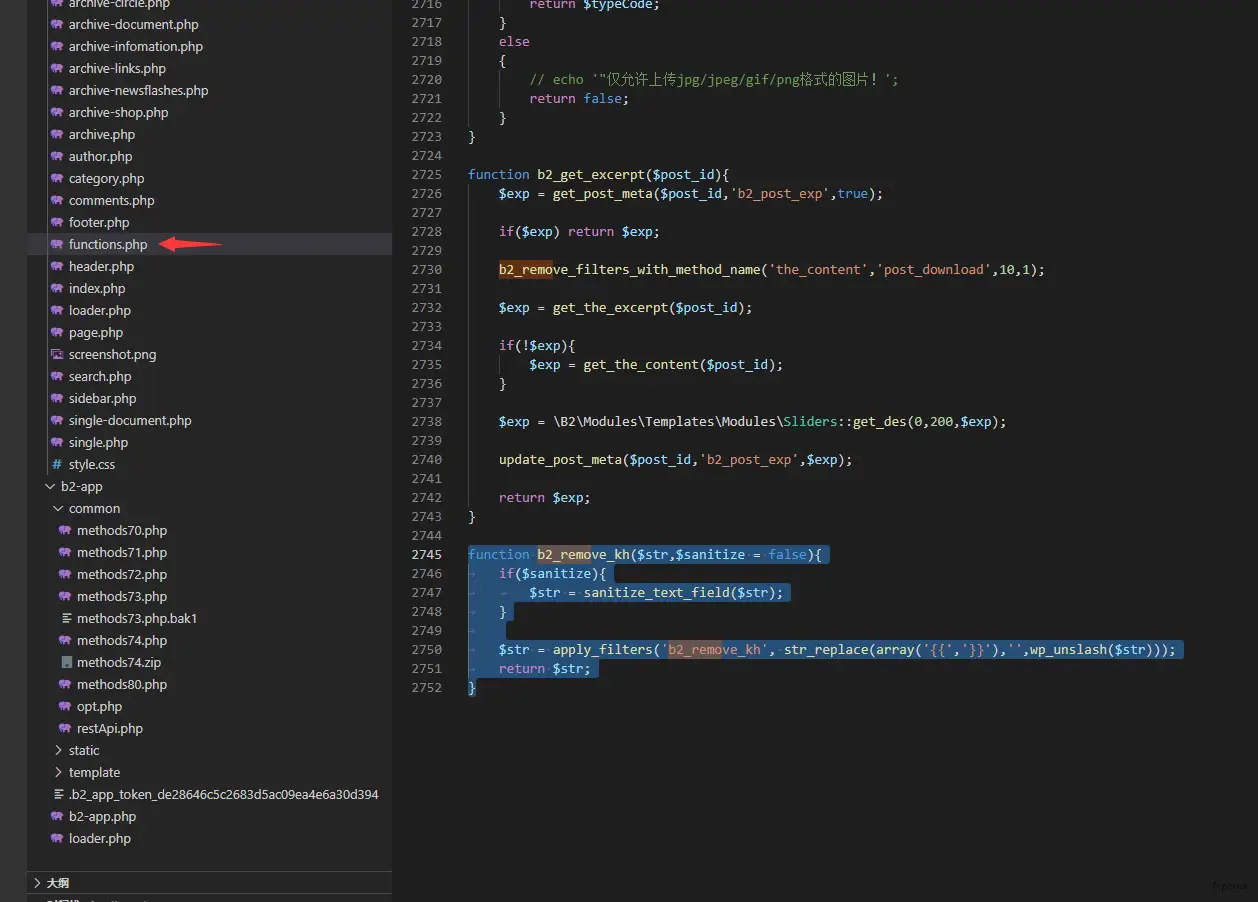
效果如下:

网页端圈子显示楼层教程
先做《APP 显示楼层教程》的第二、第三步,
添加代码:
文件位置:b2/TempParts/circle/circle-comments.php
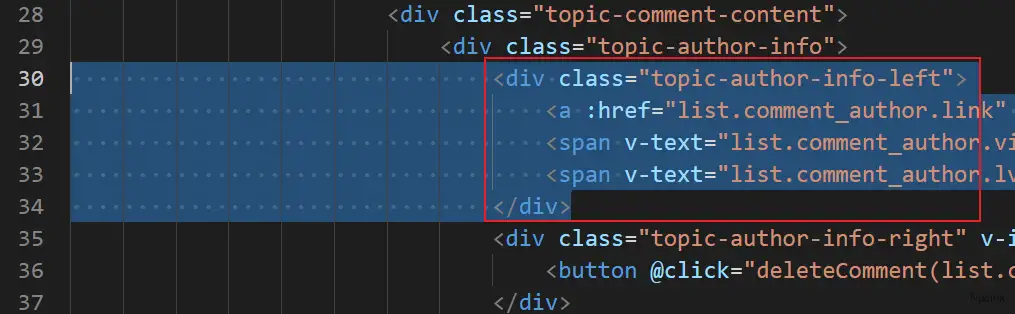
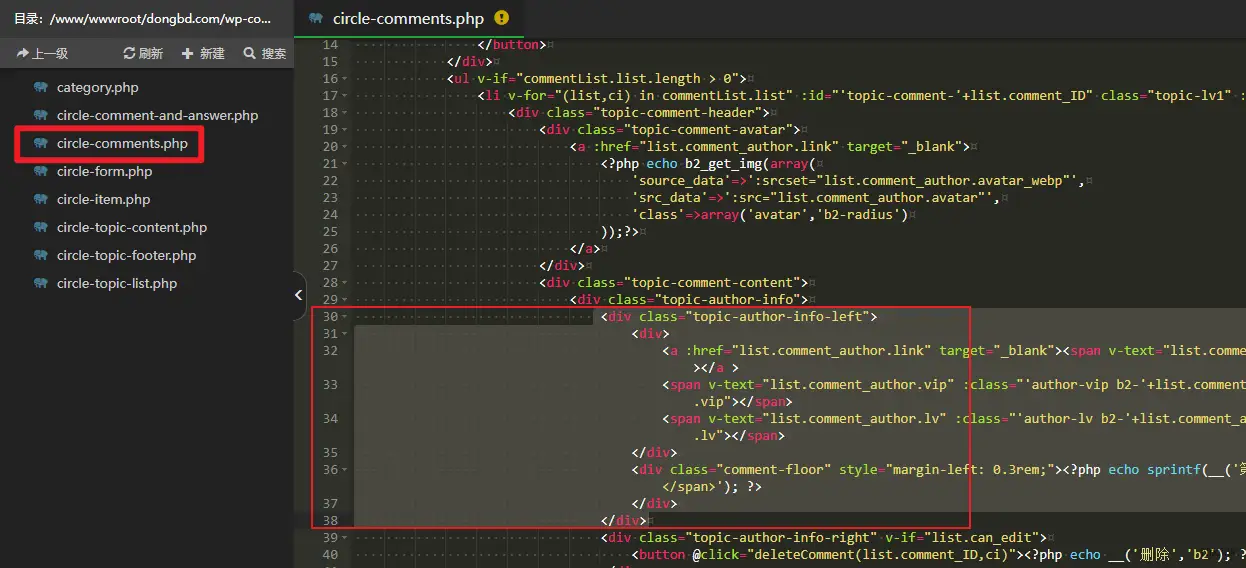
第 30 行至第 34 行
<div class="topic-author-info-left"> <div> <a :href="list.comment_author.link" target="_blank"><span v-text="list.comment_author.name" class="author"></span></a > <span v-text="list.comment_author.vip" :class="'author-vip b2-'+list.comment_author.vip" v-if="list.comment_author.vip"></span> <span v-text="list.comment_author.lv" :class="'author-lv b2-'+list.comment_author.lv" v-if="list.comment_author.lv"></span> </div> <div class="comment-floor"><?php echo sprintf(__('第 %s 层','b2'),'<span>{{list.floor}}</span>'); ?></div> </div>修改前:
修改后:
效果如下: