
本页目录
在一篇文章的开头或是结尾放上一个文章总字数提示,就可以帮助你的访客大概的了解这篇文章了。这次的 WordPress 开发教程就教大家如何实现这一功能。
代码部署:
在主题的根目录下的functions.php 文件的<?php下添加下列代码:
//文章字数统计function count_words ($text) {global $post;if ( '' == $text ) { $text = $post->post_content; if (mb_strlen($output, 'UTF-8') < mb_strlen($text, 'UTF-8')) $output .= '共写了' . mb_strlen(preg_replace('/\s/','',html_entity_decode(strip_tags($post->post_content))),'UTF-8') . '个字'; return $output;}}在需要展示的地方添加下列代码:
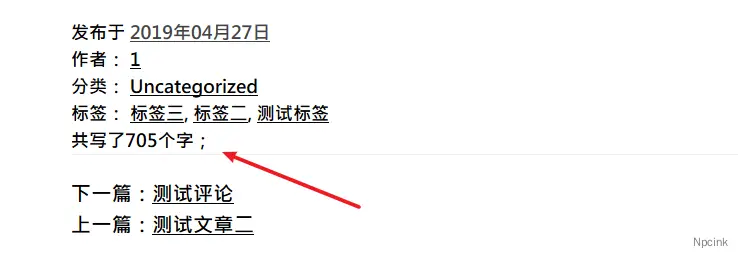
<?php echo count_words ($text); ?>效果:
既然字数都统计了,就加个预计读完的时间吧。